
Fast and Flexible Saving to NotionFast and Flexible Saving to Notion
Lite Notion is an unofficial third-party app designed to streamline your mobile Notion workflow, allowing you to quickly save web pages and text. Choose the pages or databases you want to work with and customize their properties and blocks to fit your needs.


Enhanced Notion Access from Mobile
Save to all pages or databases
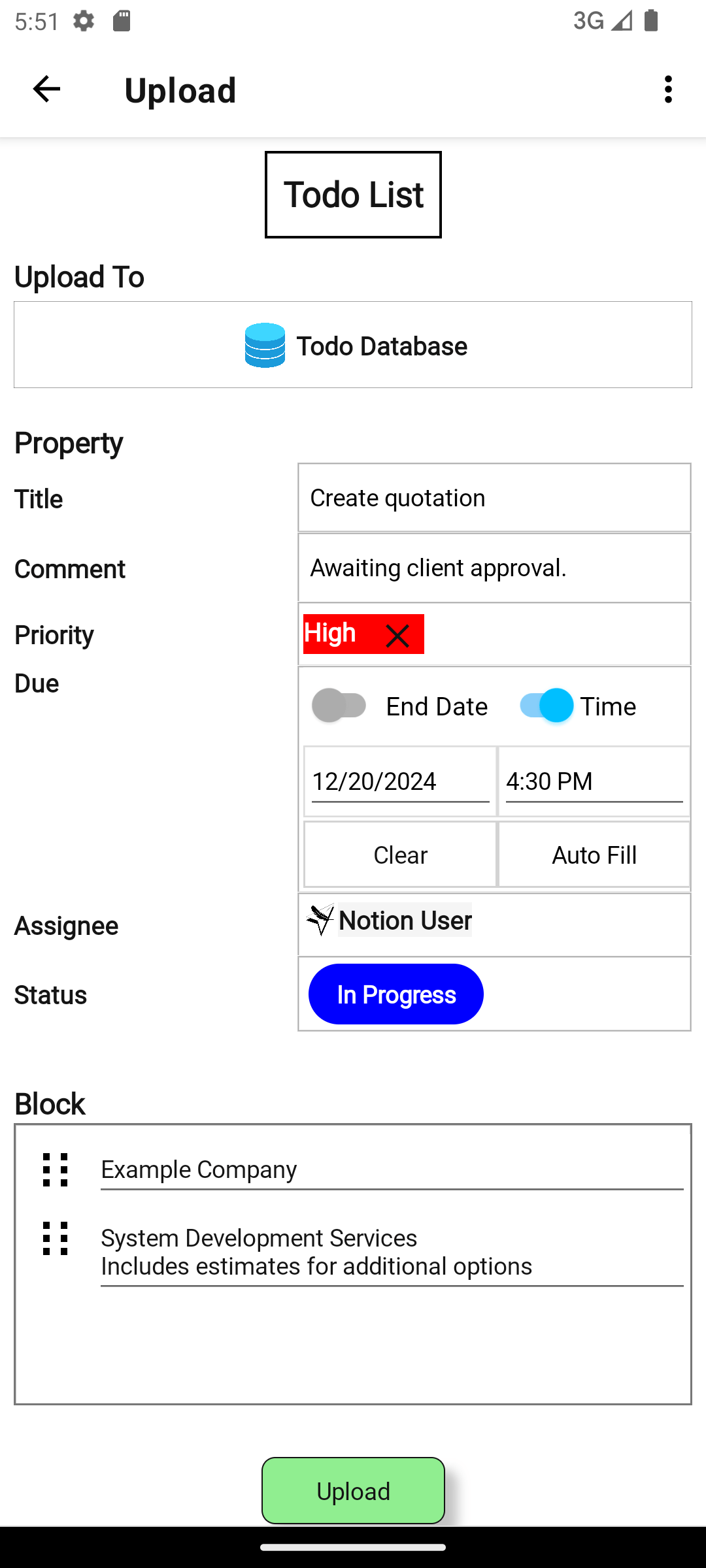
Save data to any page or database connected to Lite Notion. There is no need to prepare a database with a predefined structure.
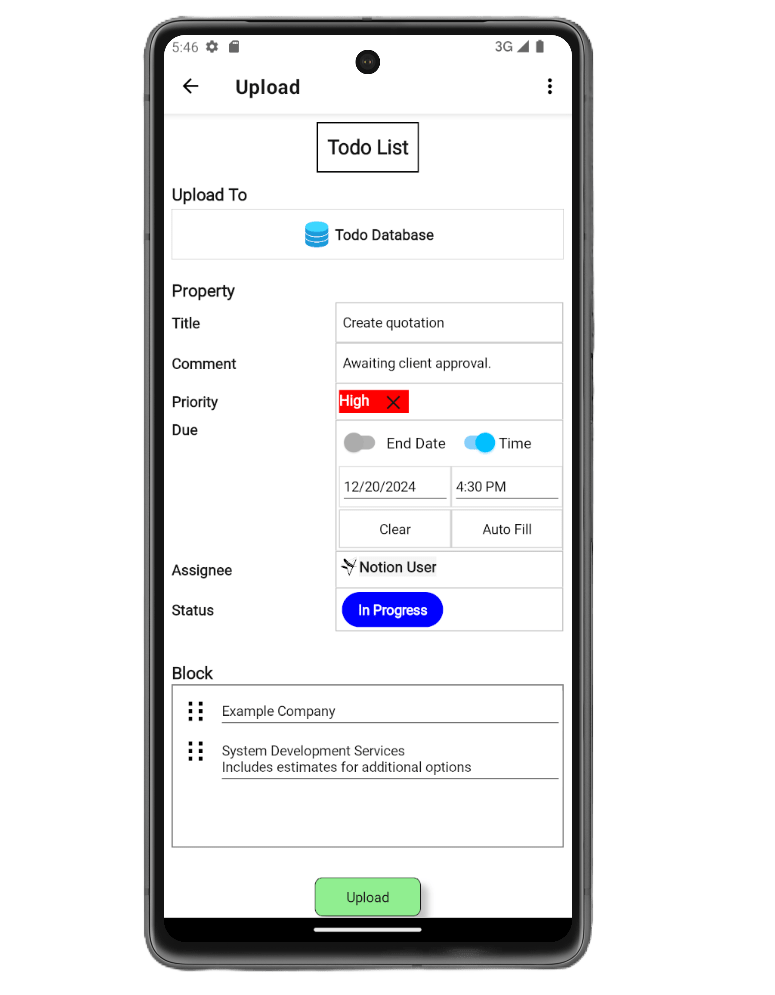
Save Properties
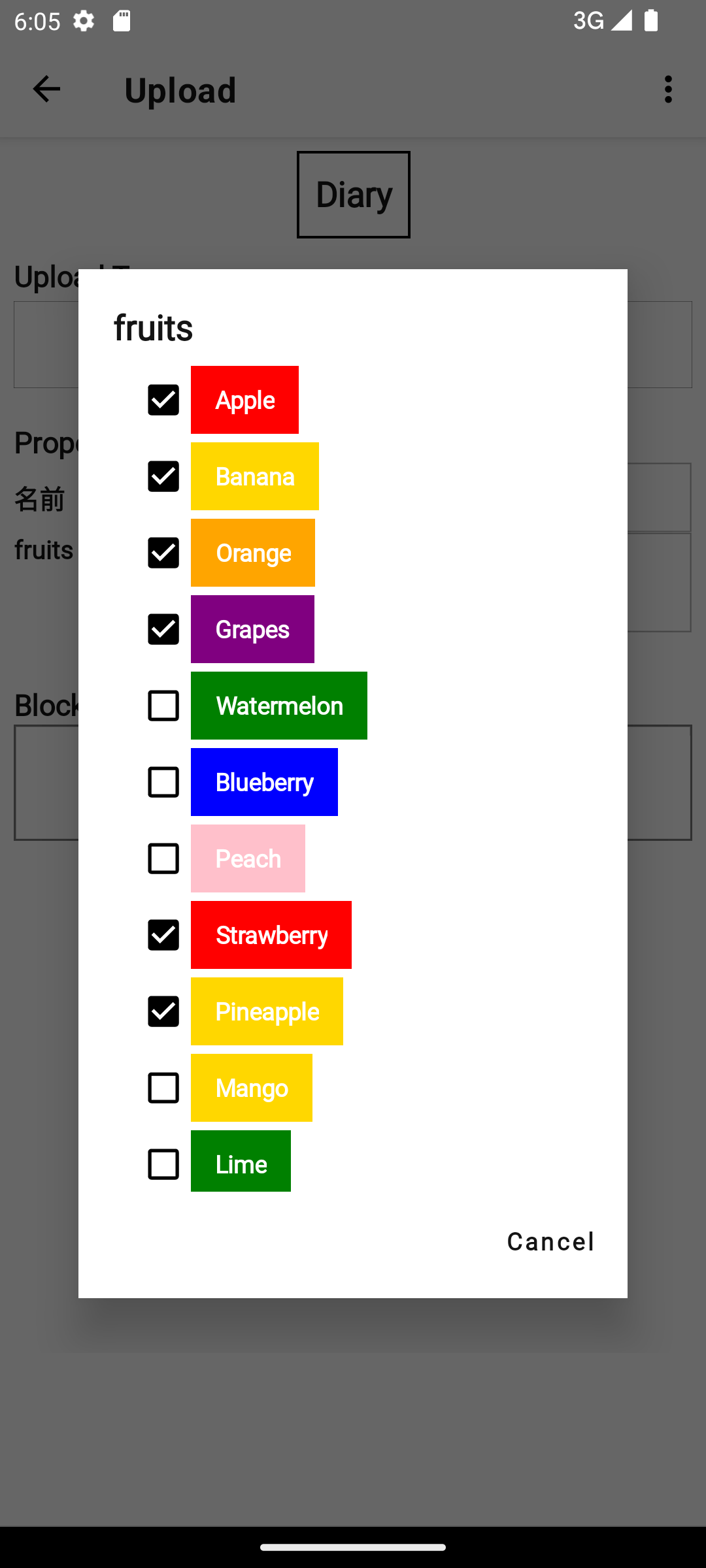
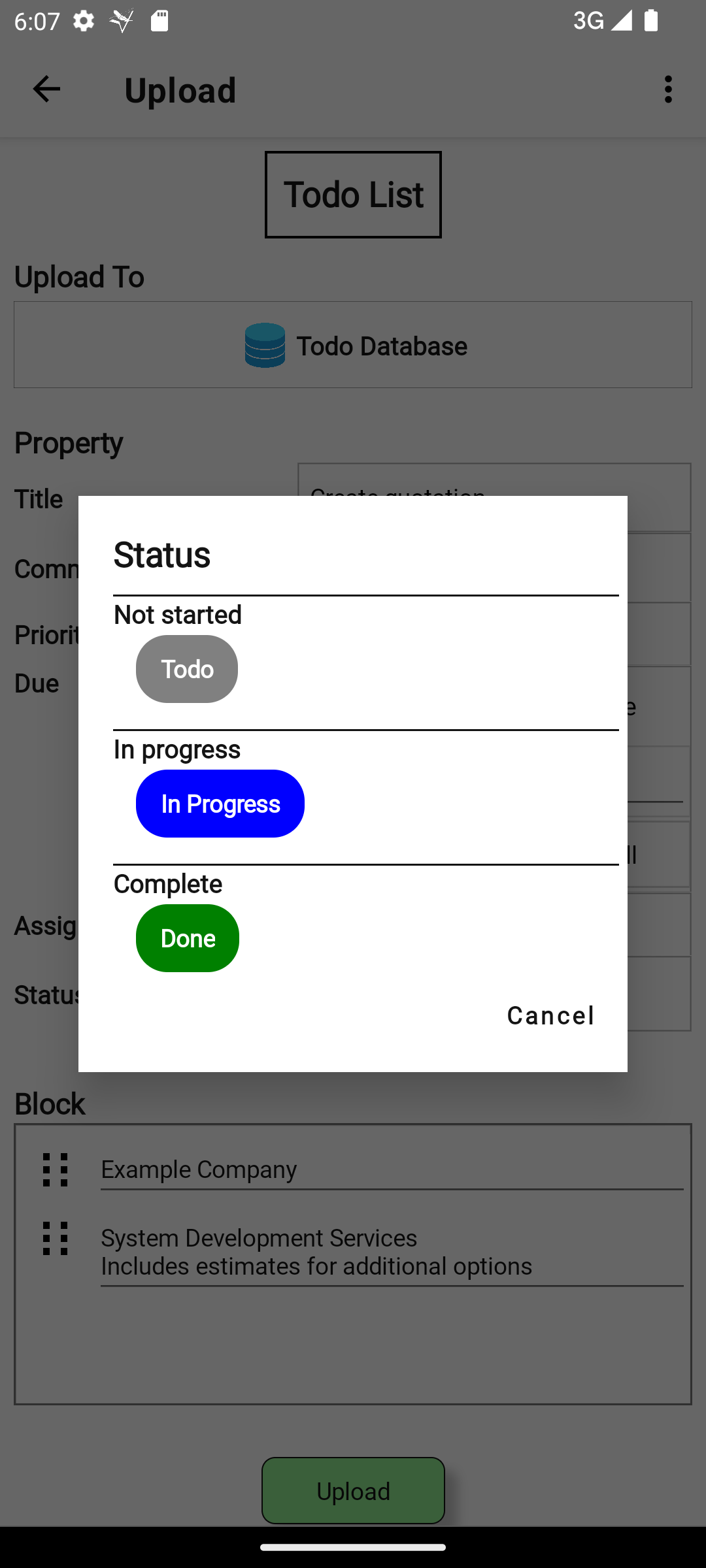
You can set properties when adding a page to a database. (Some property types are not supported.)
Save Blocks
Enter text and other content using the same block structure as Notion.
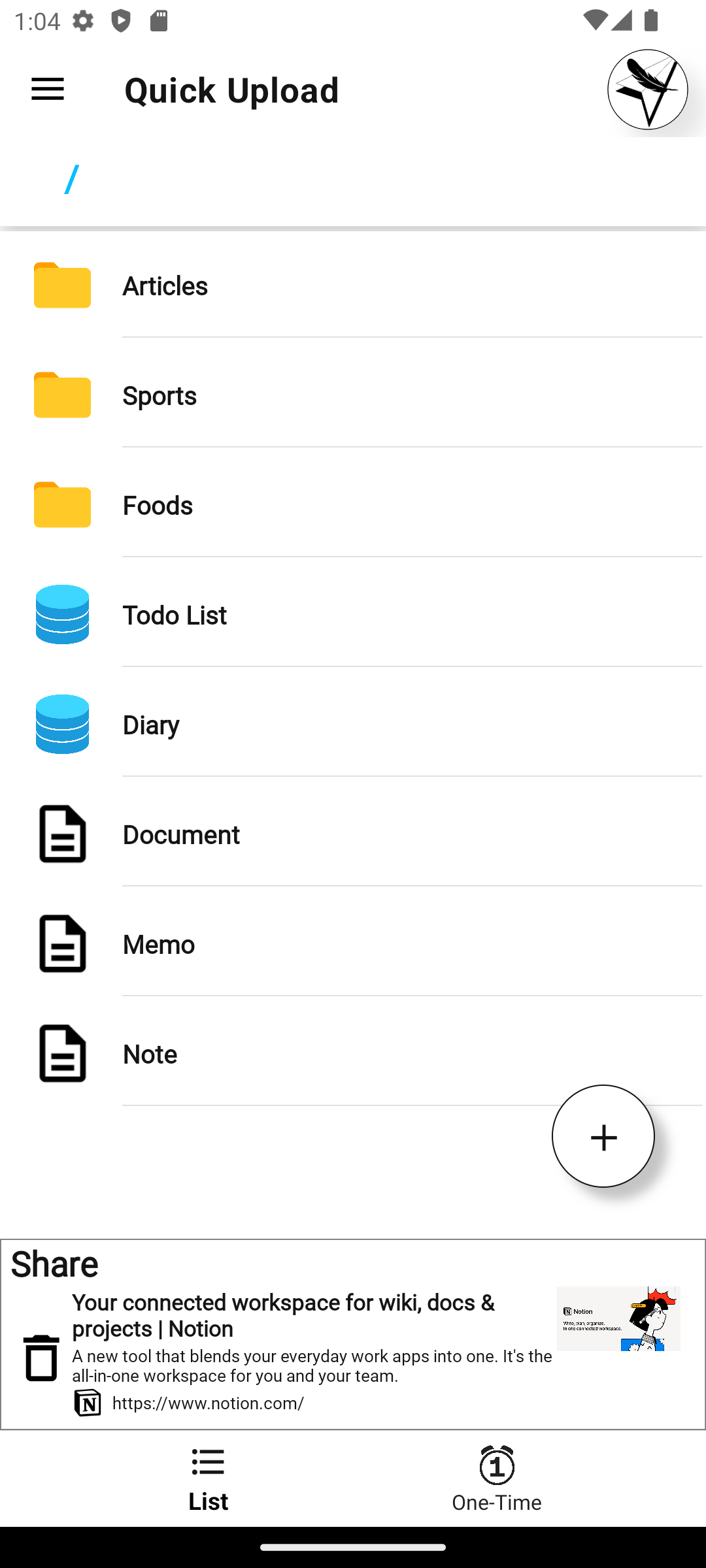
Support sharing
Save text, web pages, and more from your device's share sheet.
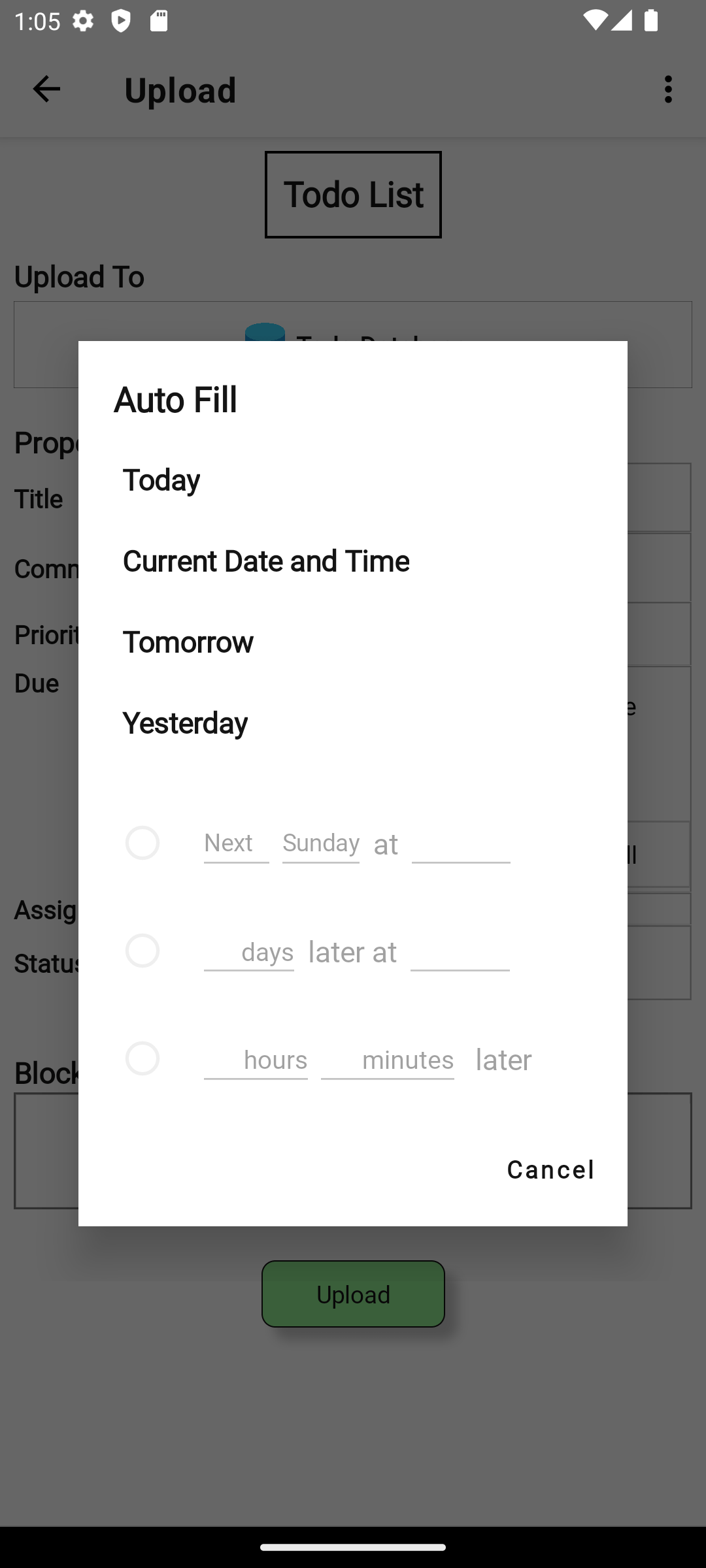
Auto-Fill for Date property
The date property can be filled in automatically based on the date and time of saving.
Streamlining Workflow
Search and Register
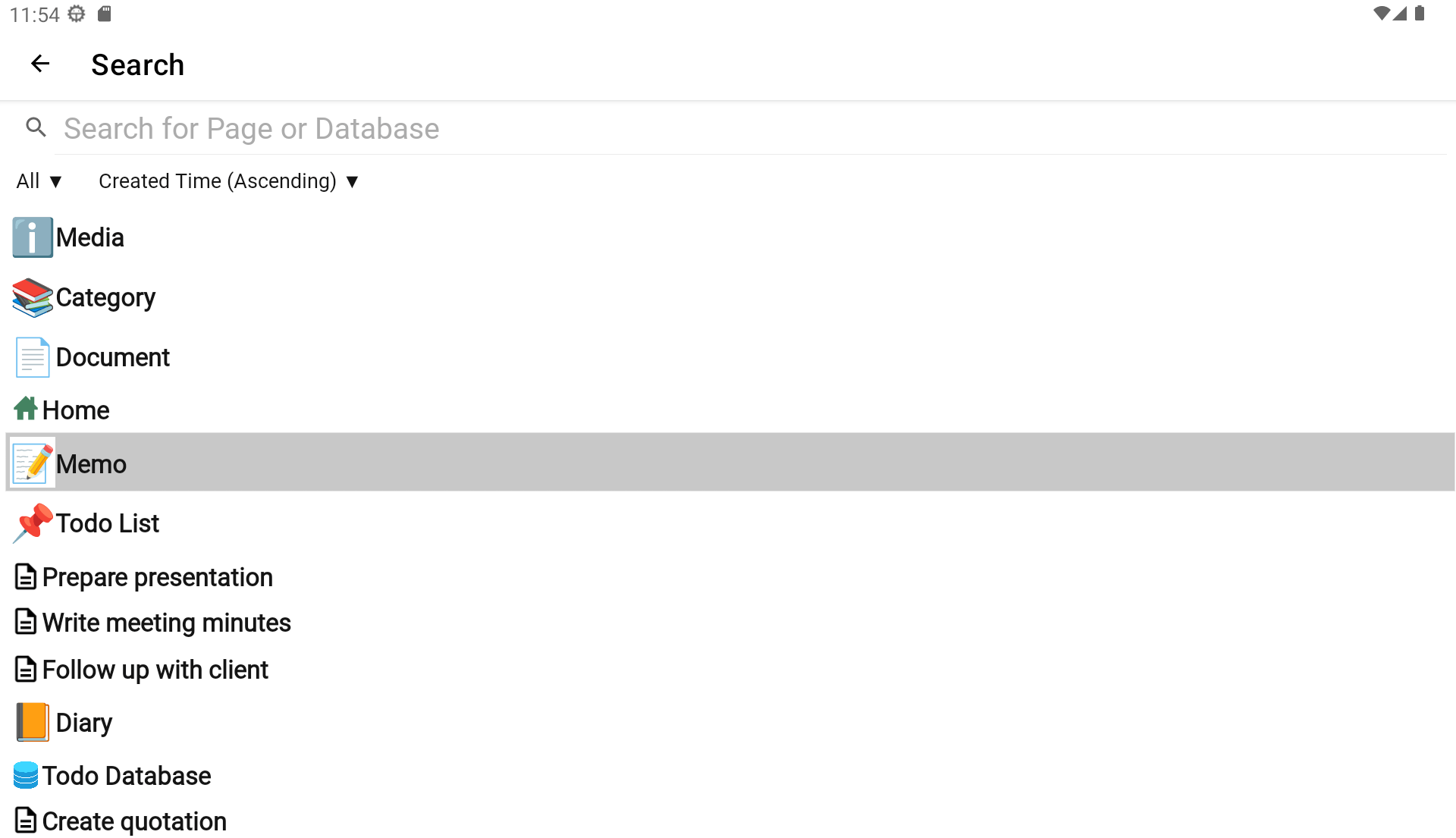
Easily find and register destination pages or databases with a quick search—no need for complicated manual setup.
Customizable Data Saving
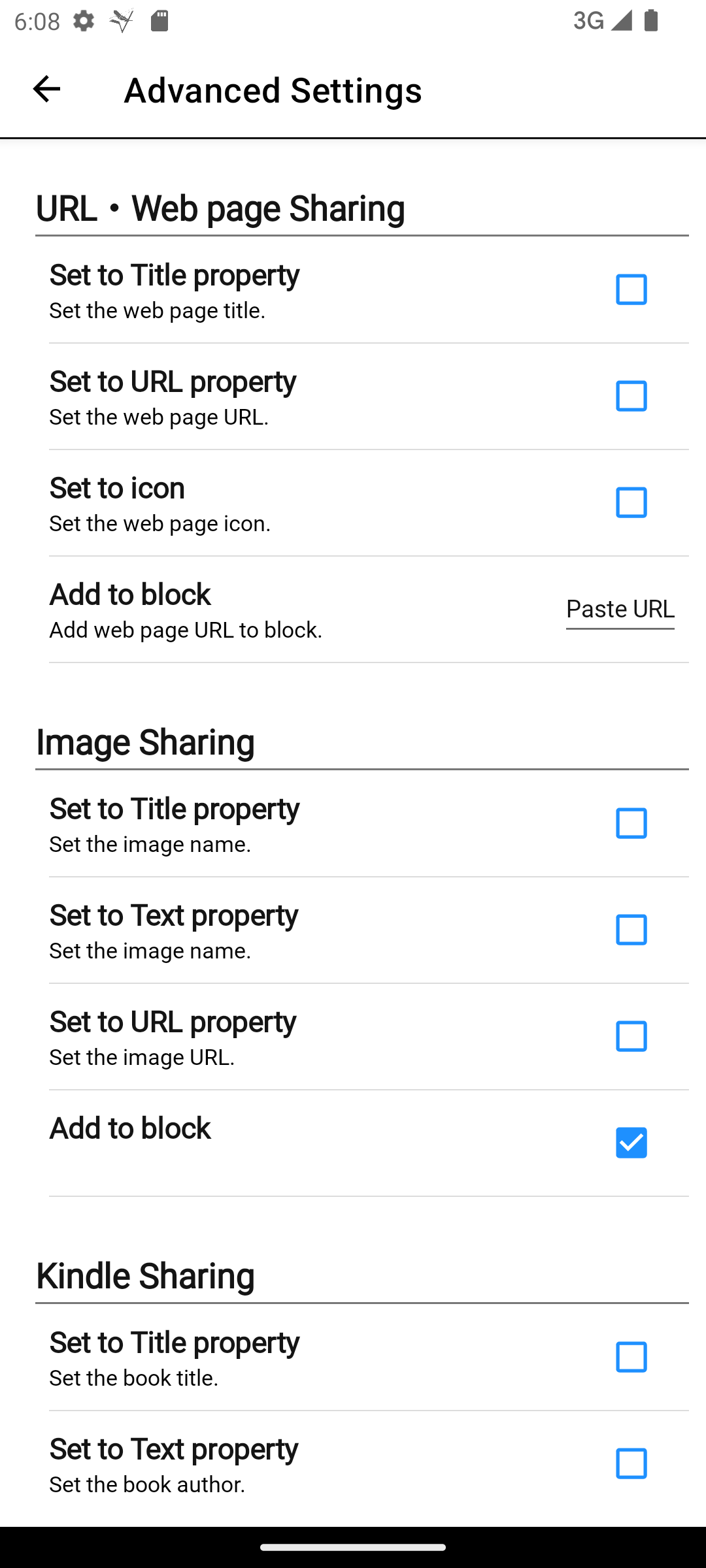
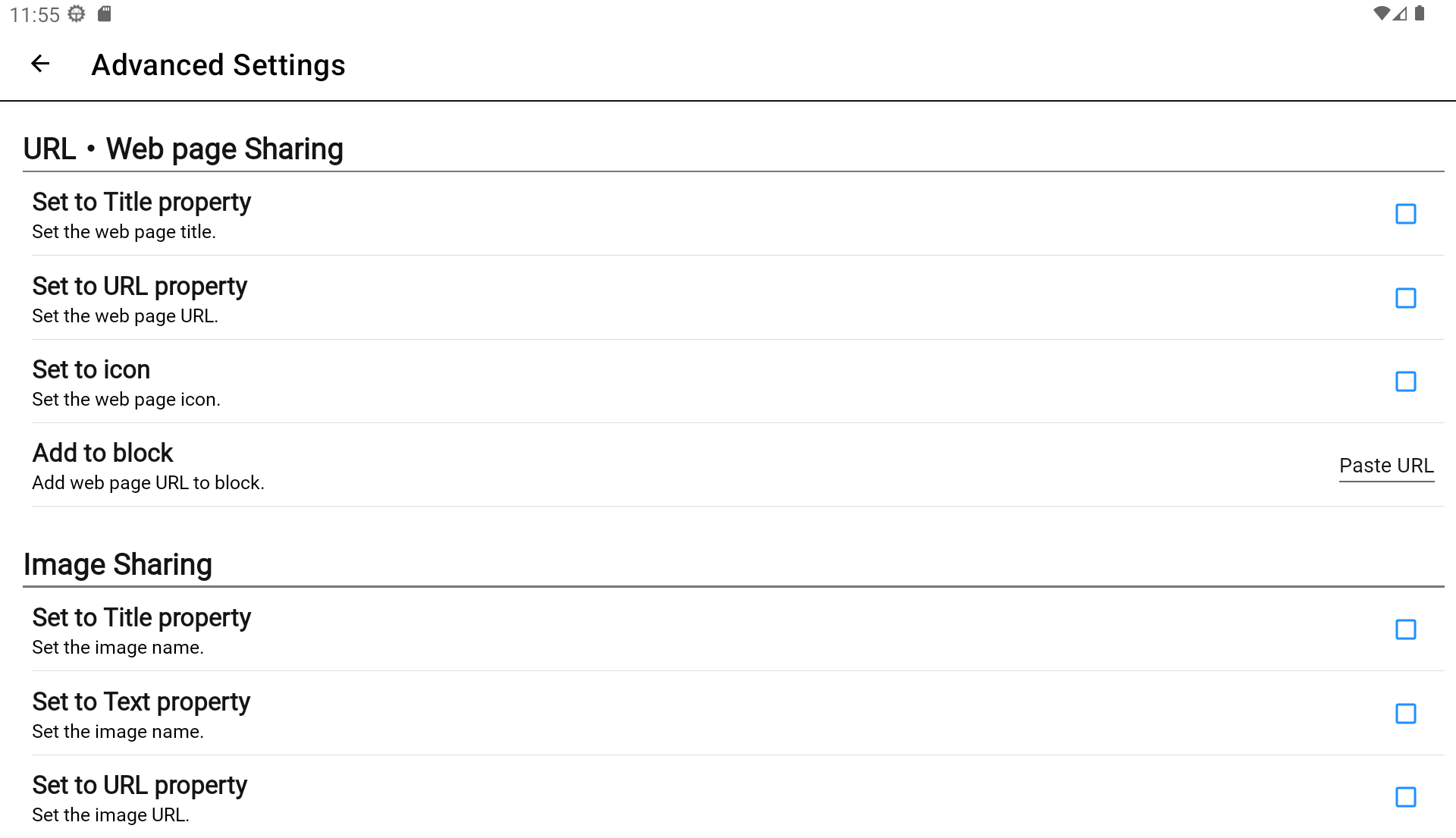
Predefined settings let you process data before saving, so you do not need to configure it each time. Examples: - Set values for URL properties when sharing URL text - Set a book title, cover image, and author as properties when sharing selected text on Kindle
Keep Everything Up-to-Date with One Button
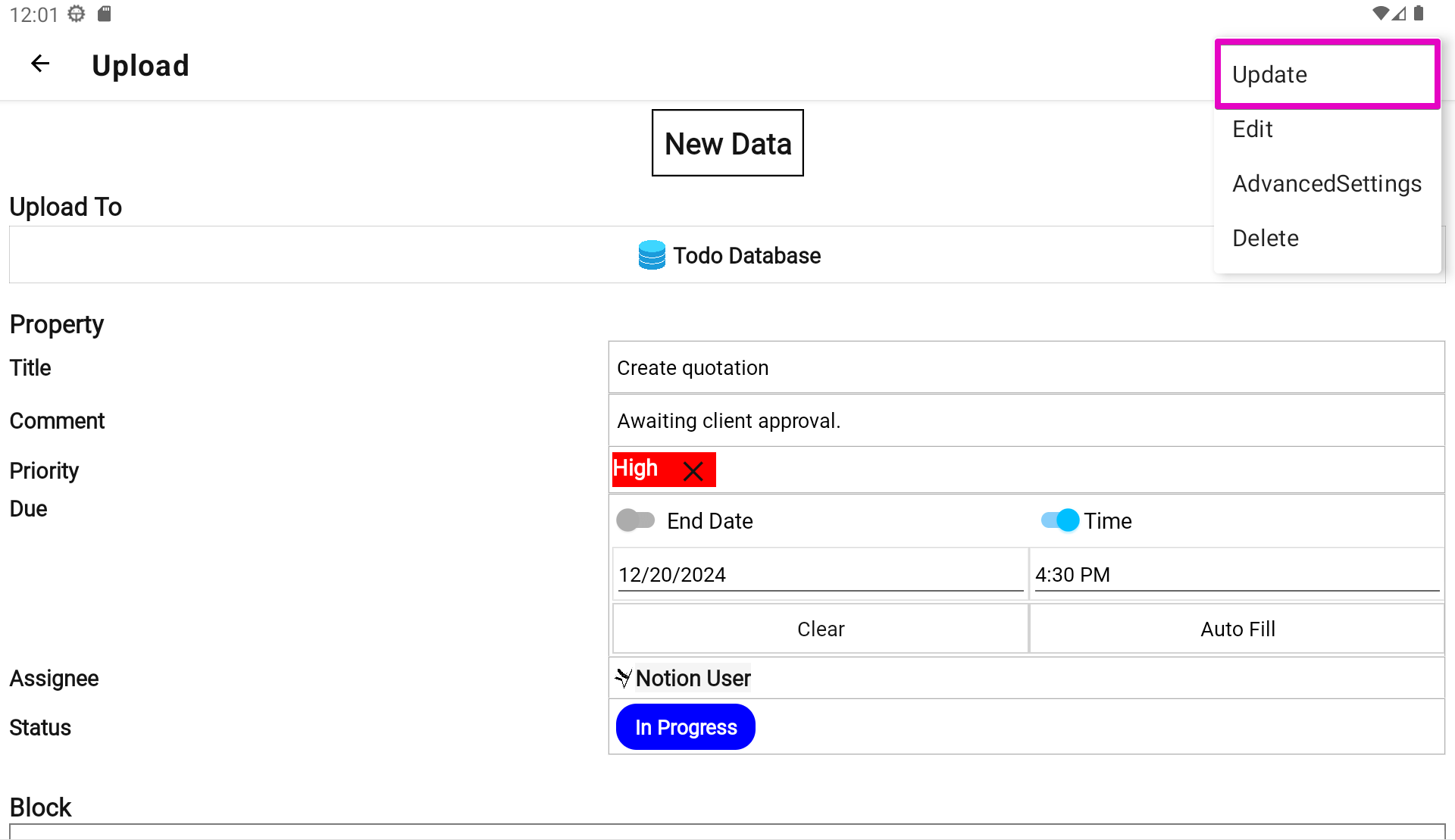
If you change the name, icon, or properties of a Notion page or database, tap the update button to sync the latest settings to the app. Changes to select or status options are synced automatically, so you do not need to configure them again.
Flexible Save Location Management
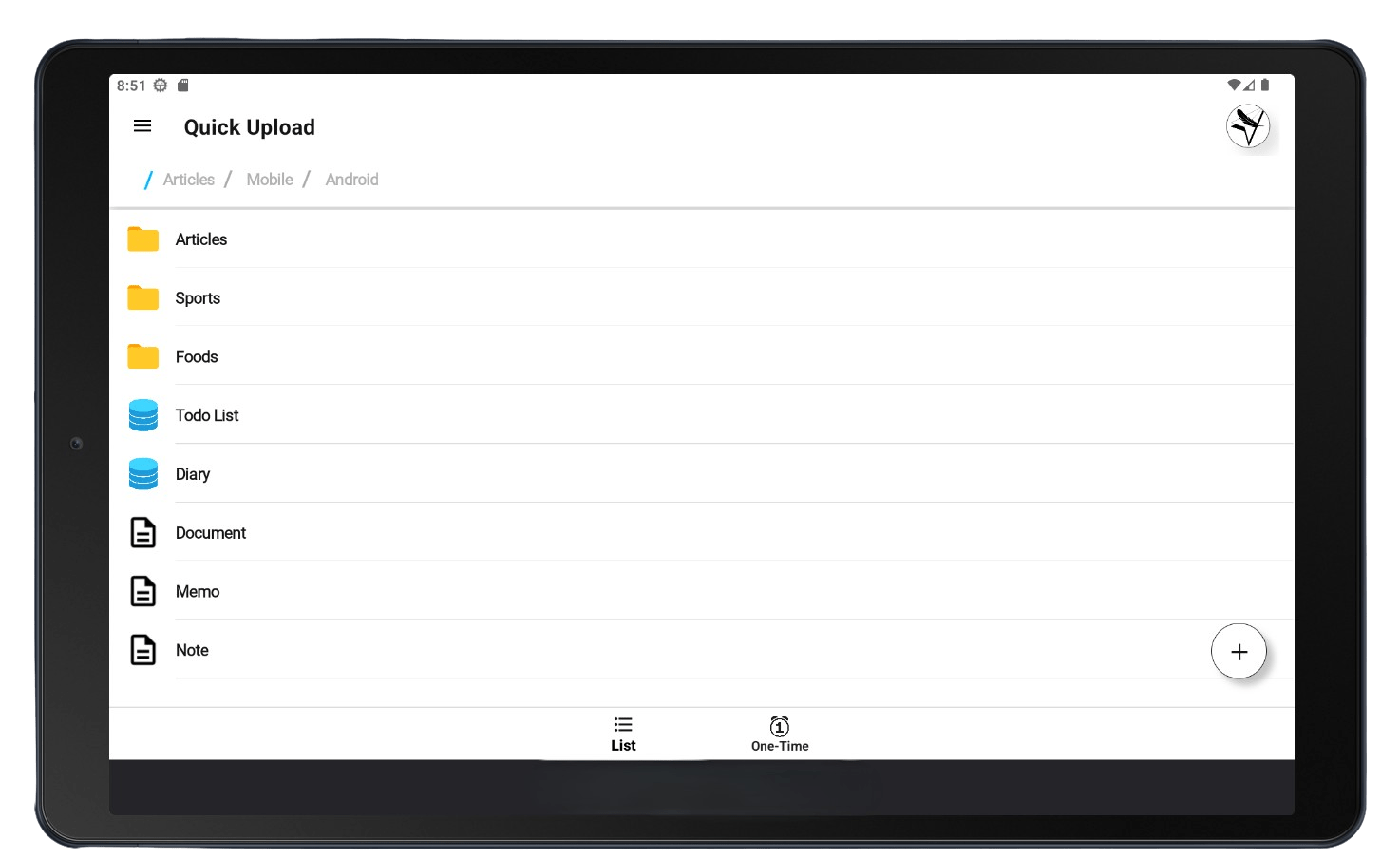
Organize with Folders
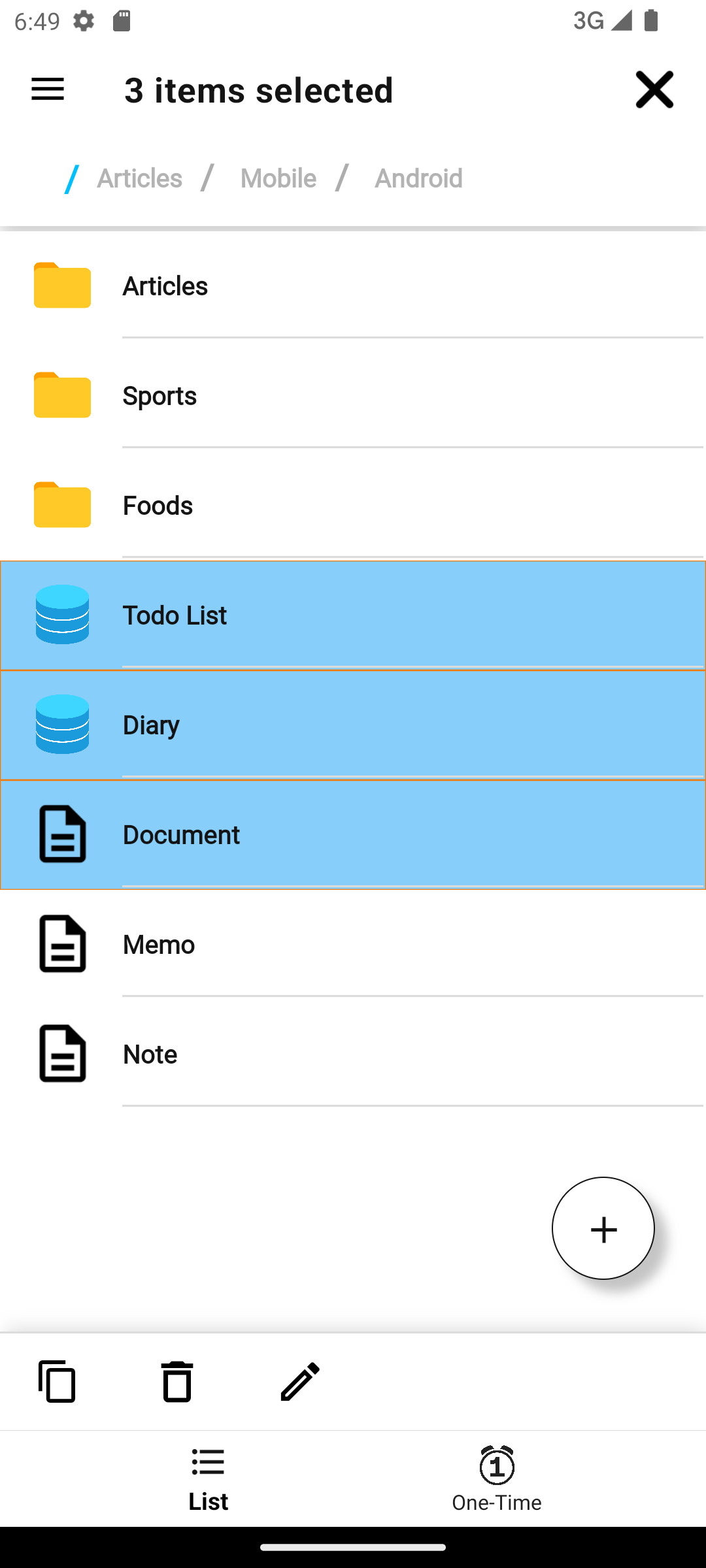
Name your forms and organize them into folders. You can easily move or duplicate items between folders.
Switch Between Workspaces
Manage multiple Notion workspaces in the app and switch between them effortlessly. Choose a workspace for each goal or use case.
Pricing
Free
$0
/ month
All the essential features most people need
Save to all pages or databases
Saving Properties and Blocks
Support sharing
Auto-Fill for Date property
Many other features
Standard
$2
/ month
Options for a smoother experience
All features of the Free plan
Advanced Auto-fill for date property
Unlimited file uploads
Unlimited web content export
*
Please note that prices and features may change.